


Home / Technology
iOS 18.4 update adds new messages shortcut feature for iPhone users
Apple releases iOS 18.4 update with several features, including convenient Messages improvement
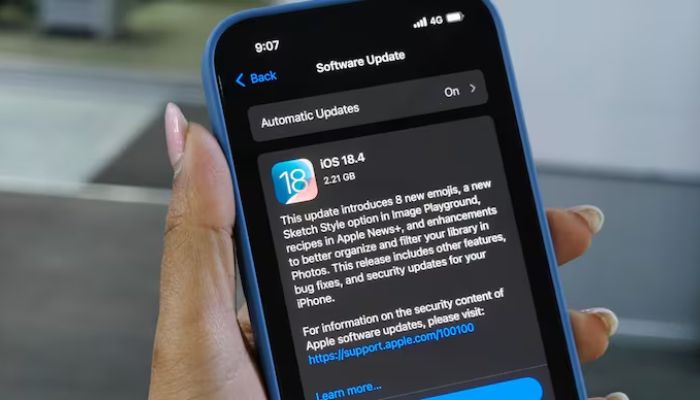
iOS 18.4 update adds new messages shortcut feature for iPhone users
Apple has rolled out the iOS 18.4 update with several exciting features, including a convenient Messages improvement that lets iPhone users quickly access their favourite chats.
With the recent update, iPhone users can now create shortcuts to instantly open specific conversations in the Messages app.
The Messages shortcut feature offers flexibility and works well with other iOS customisation tools. Users can place the shortcut on the Home Screen for easy access, add the shortcut to the “Control Center” for quick access, and to the Lock Screen for convenience.
Moreover, users can also use widgets to add shortcuts to the Home Screen or Lock Screen.
The feature also saves time and provides a personalised way to access your favourite conversations. Additionally, users can even customise the shortcut with a photo, making it feel more personal and fun.
To create a shortcut, follow these simple steps:
- Open the Shortcuts app and tap the "+" button to create a new shortcut
- Search for "Open Conversation" and add the action
- Select the conversation thread you want to link
- Choose where you want to place the shortcut, such as the Home Screen, Control Center, or Lock Screen