


Home / Technology
Galaxy S26 lineup compared: How each model stacks up on paper
Samsung's Galaxy S26 series introduces AI-powered features and cutting-edge photography tools
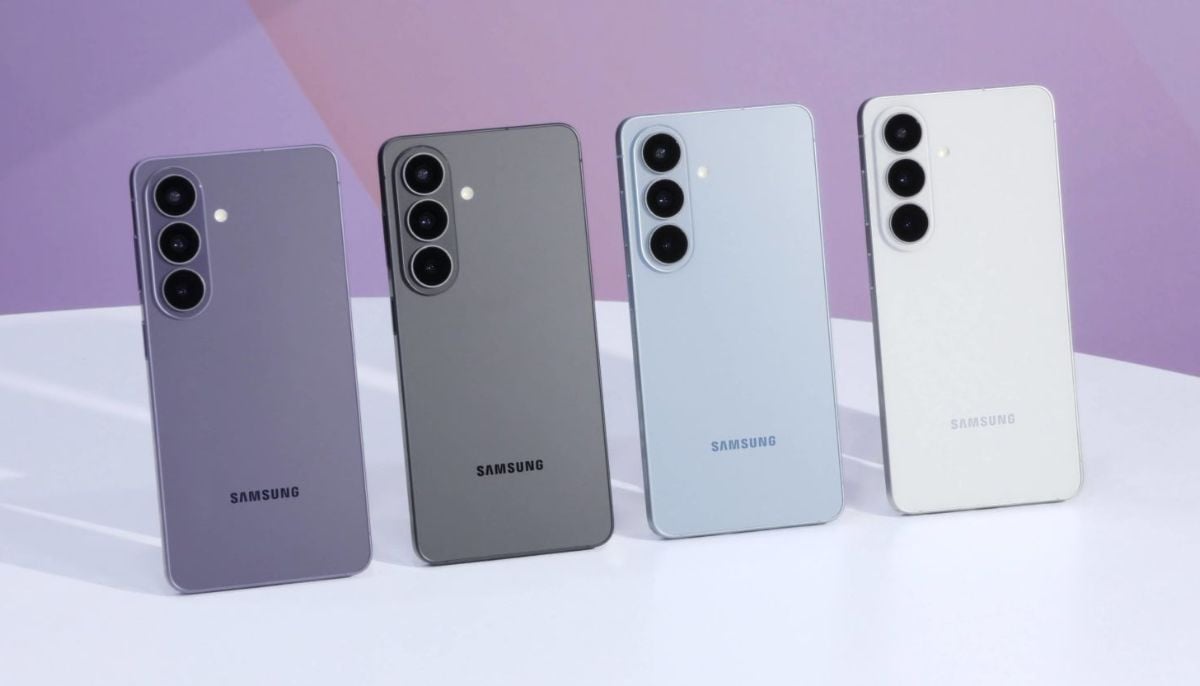
Samsung has just introduced its latest Galaxy S26 series, featuring the S26, S26 Plus, and S26 Ultra.
While not drastically different from last year's versions, they bring several significant enhancements.
All possess the Galaxy-focused Snapdragon 8 Elite Gen 5 from Qualcomm, ensuring better performance and a range of innovative AI-focused functions.
There's an option for screening unknown callers and even editing images simply by describing the changes you desire, and an upgrade to Google Gemini that can handle certain tasks within approved third-party apps, such as Uber and DoorDash, for you.
Priced from $899.99, the S26 stands as the smallest and most budget-friendly among the three. It boasts a 6.3-inch OLED screen, weighs under 6 ounces, and includes a 4,300mAh battery.
Its rear cameras consist of a 50MP main sensor, a 12MP ultrawide, and a 10MP telephoto lens.
Like its counterparts, it supports a 120Hz refresh rate, begins with 12GB of RAM, and 256GB of internal storage, plus wireless charging support.
The $1,099.99 S26 Plus, on the other hand, offers similar features but with an enlarged 6.7-inch display and a more substantial 4,900mAh battery, promising potentially longer battery life than the S26.
However, real-world testing is needed to see how they compare, especially considering the Plus model’s bigger display.
Lastly, there's the Galaxy S26 Ultra, starting at $1,299.99. This is the most expansive and feature-packed phone in the range — also the heaviest, weighing in at nearly half a pound.
The 6.9-inch screen mimics an e-reader, and its 5,000mAh battery tops the range. It hosts the most advanced camera system too, featuring a 200MP main sensor, a 50MP ultrawide, and dual telephoto lenses offering 3x and 5x optical zoom to maintain picture quality even when zoomed in.
The Ultra uniquely includes Samsung’s innovative privacy display feature, making it difficult for onlookers to glance at your screen content. It's also the sole variant with S Pen compatibility for note-taking.