How to adjust your phone to reduce eye strain
Screen distance warnings help reduce myopia risk, especially in kids
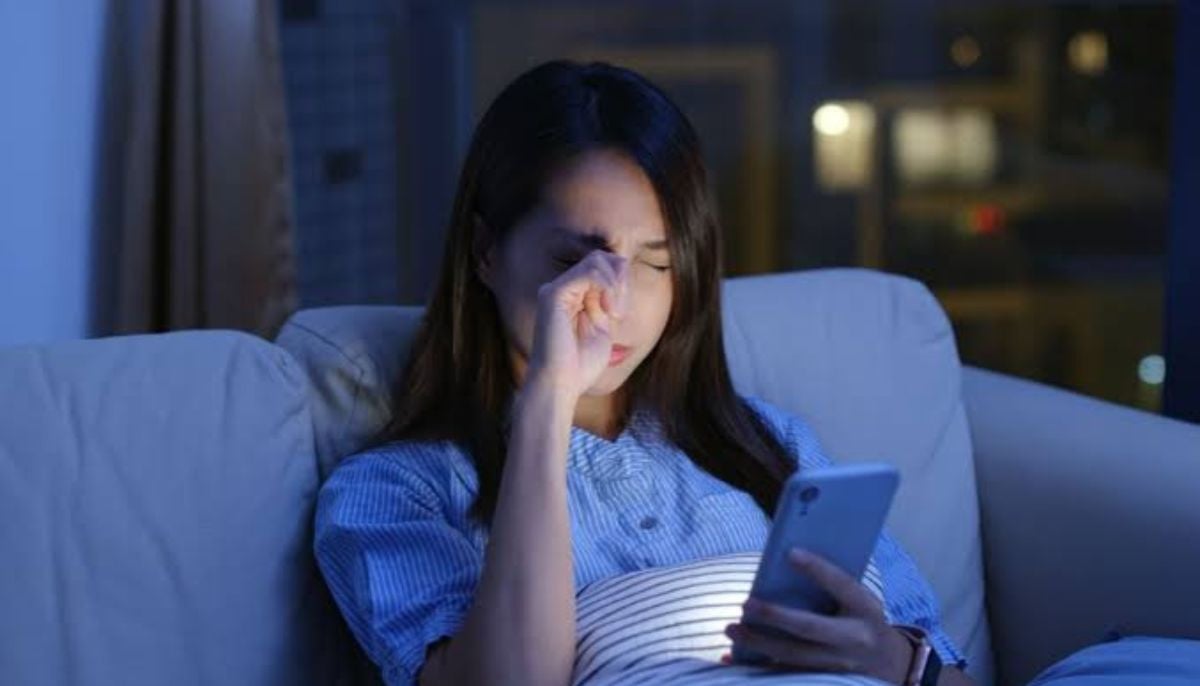
Anyone whose eyes feel tired, dry or irritated after prolonged phone use may be experiencing digital eye strain, a condition that can also cause blurred vision and headaches when symptoms worsen.
While putting the phone down and resting the eyes remains the most effective remedy, several built-in phone settings can help ease discomfort in situations where stepping away isn't an option. Digital eye strain does not cause permanent damage, but it can become increasingly uncomfortable over extended periods of screen use.
Brightness and glare adjustments
- Auto-brightness: adjusts screen intensity automatically using the phone's light sensor. On iPhone: Settings > Accessibility > Display & Text Size > Auto-Brightness. On Android: Settings > Display > Adaptive Brightness
- Reduce white point: lowers the intensity of bright colours below standard minimum brightness. On iPhone: Accessibility > Display & Text Size > Reduce White Point. On Android: Accessibility > Vision Enhancements > Extra Dim
Managing light exposure in the evening
- Blue light filter: research published in the Journal of Photochemistry and Photobiology B: Biology found blue light accounts for around 25 per cent of sunlight and a notable share of indoor lighting. On iPhone: Display & Brightness > Night Shift > Scheduled. On Android: Display > Eye Comfort Shield > Adaptive or Custom
- Dark mode: Swaps bright backgrounds for black ones, cutting glare in dim settings and extending OLED battery life, though it may be harder on the eyes for people with astigmatism. On iPhone: Control Centre > brightness slider > Dark Mode. On Android: Settings > Display > Dark Theme
Reducing strain from screen distance
- Screen distance warning: Alerts users when a phone is held closer than 12 inches for extended periods, a habit linked to eye strain and increased myopia risk, particularly in children. Available on iPhones with a TrueDepth camera via Settings > Screen Time > Screen Distance
While none of these settings substitutes for regular breaks from screens, combining them takes under five minutes and may help reduce discomfort during long periods of phone use.