Home / Technology
7 hidden iPhone features that even Apple won’t tell you about
Here are seven hidden iPhone features that can make your life easier
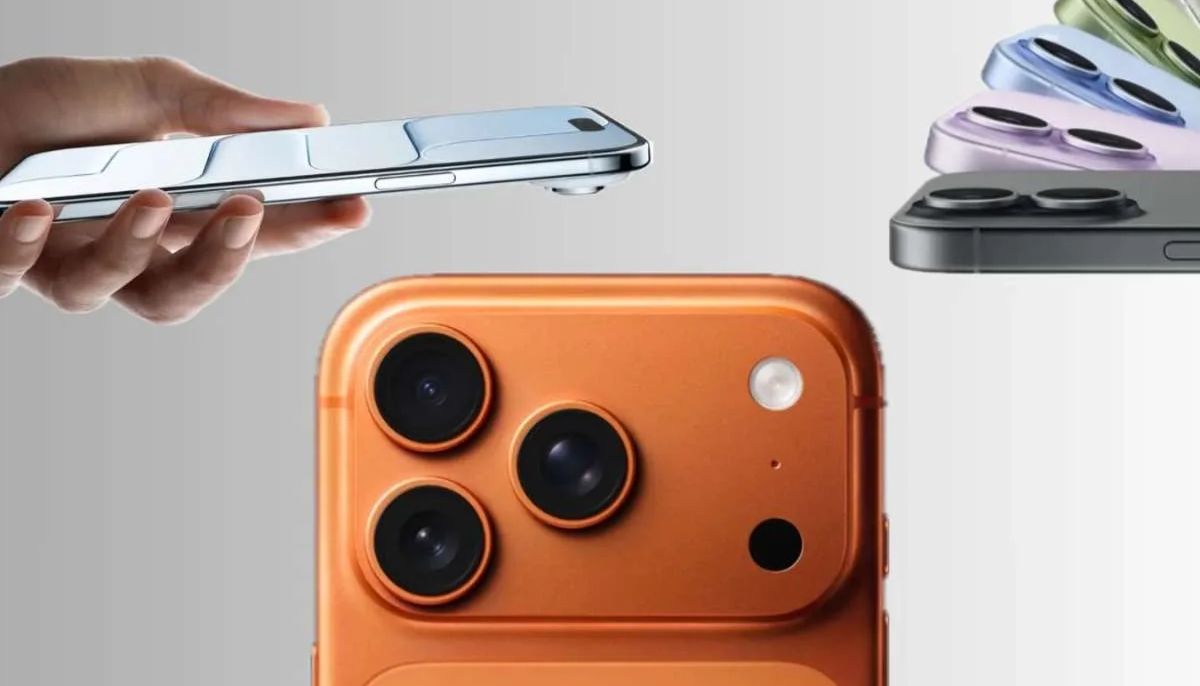
With the launch of the iPhone 17, Apple continues to prove why it remains the gold standard of smartphones, combining cutting-edge hardware with a seamless, intelligent operating system.
While most users are wowed by the new camera system and faster A19 chip, there’s a lot more happening beneath the surface.
Here are seven hidden iPhone features that can make your life easier, faster, and a little more magical.
1. The secret “Back Tap” shortcut
Hidden under Settings > Accessibility > Touch > Back Tap, you can double- or triple-tap the back of your iPhone to trigger actions like launching the camera, flashlight, or even custom shortcuts — no buttons required.
2. Flash alerts for Notifications
Go to Settings > Accessibility > Audio Visual > LED Flash for Alerts to make your camera flash blink for calls and messages, perfect for when your phone’s on silent.
3. Custom text shortcuts
Under Settings > General > Keyboard > Text Replacement, create your own typing hacks.
Type “@@” for your email or “homeadd” for your address, it’s like having your own personal autocomplete.
4. Turn your keyboard into a trackpad
Hold the space bar while typing, and your keyboard instantly becomes a mini trackpad for precise cursor movement, editing text just got way easier.
5. Hidden Control Center options
Long-press on icons in the Control Center to reveal deeper settings, from adjusting Focus modes to fine-tuning brightness or Wi-Fi.
6. Share your exact location
In Messages, type “I’m at…” and your iPhone will suggest sending your current location, with no maps app needed.
7. Long-press App icons for quick actions
Hold any app icon to reveal contextual shortcuts. For example, press and hold the Camera app to jump straight into selfie or portrait mode.